I used to use a program for image optimazation called irfanView. It is a windows program which had some nice features that I liked. But I have long abandoned Windows in favor of Linux. (don’t ask me what I think about Microsoft and Windows).
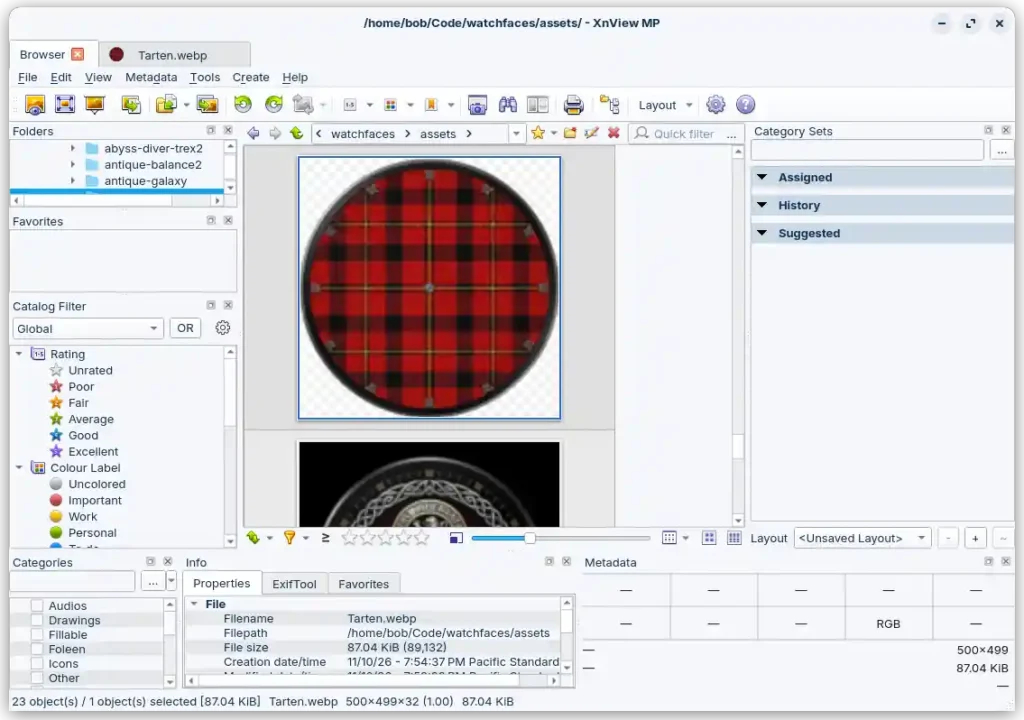
So I recently needed to optimize images for some watch face designs. I could run irfanView with wine, or I could find an existing Linux program. Well irfanView running under wine works, but is it an old interface. I found quite a view Linux command line programs, but I want to see the before and after images in a GUI. xnview was one recommendation, but it is ugly and has too many features.
So, I asked Claude to write my own
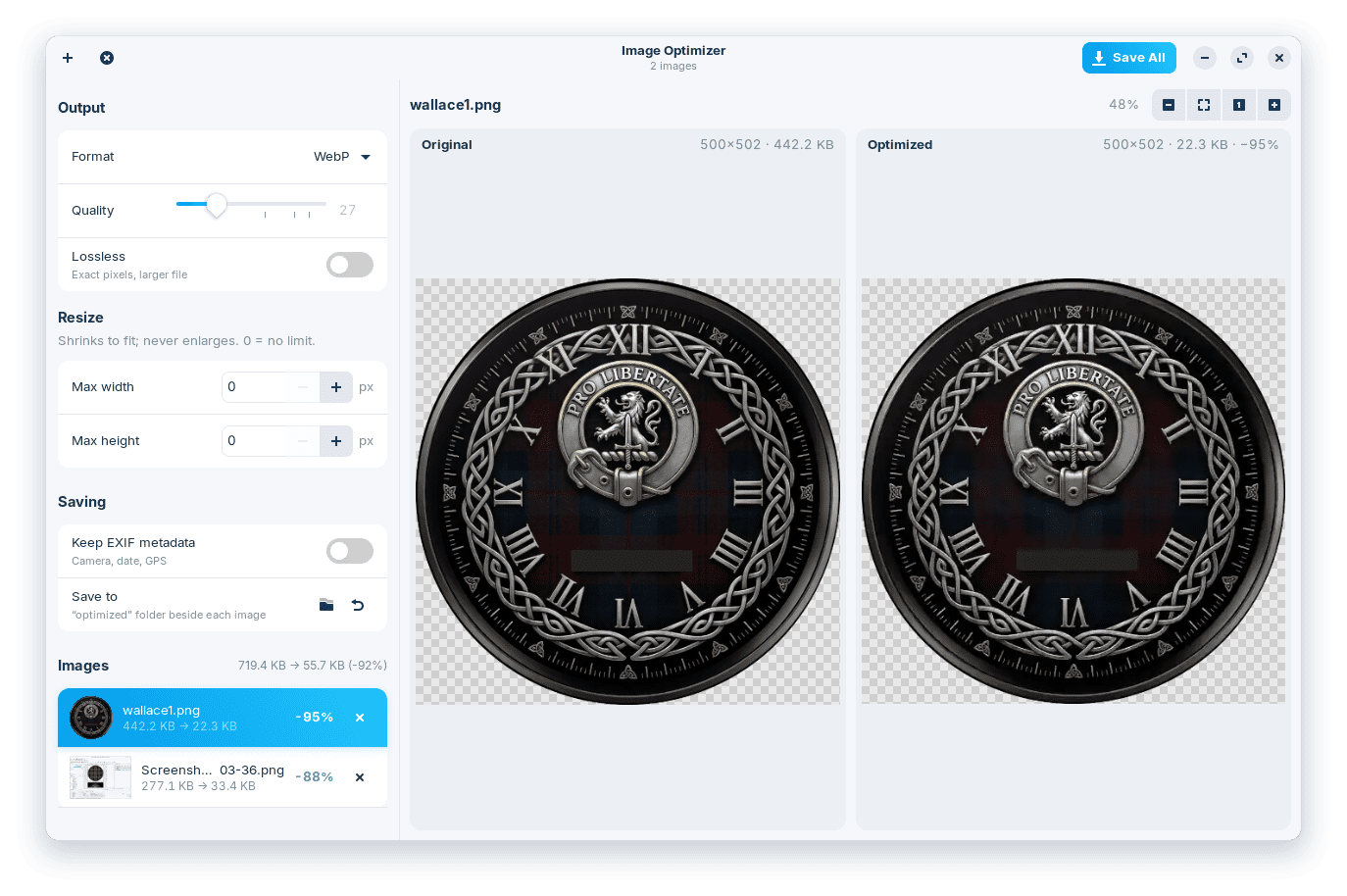
On windows I used irfanView to optimize images. Create a Linux image optimizer with a modern, clean interface for optimizing images. Output should be jpg, png, and webp. Side by side preview. Drag and drop.
Seven minutes later I had what I needed.
About 7 minutes later, going by the file timestamp, I had what I needed.
- Before 07:45: a minute or two checking what was on my machine: GTK 4 and libadwaita, Pillow’s WebP support, pngquant.
- 07:45: wrote the first full version of the app in one go.
- 07:45–07:49: tested it:
- ran each format through the encoder on two of my images;
- fixed a style-sheet loading error that crashed it at startup;
- launched it and captured its window to check the layout;
- drove a JPEG save with resizing and zoom, and fixed the hard-to-read % on the selected row.
- 07:49–07:50: made the icon, wrote install.sh and added it to the app menu.
Creating the repo and committing, took under a minute more (commit at 07:50:45).