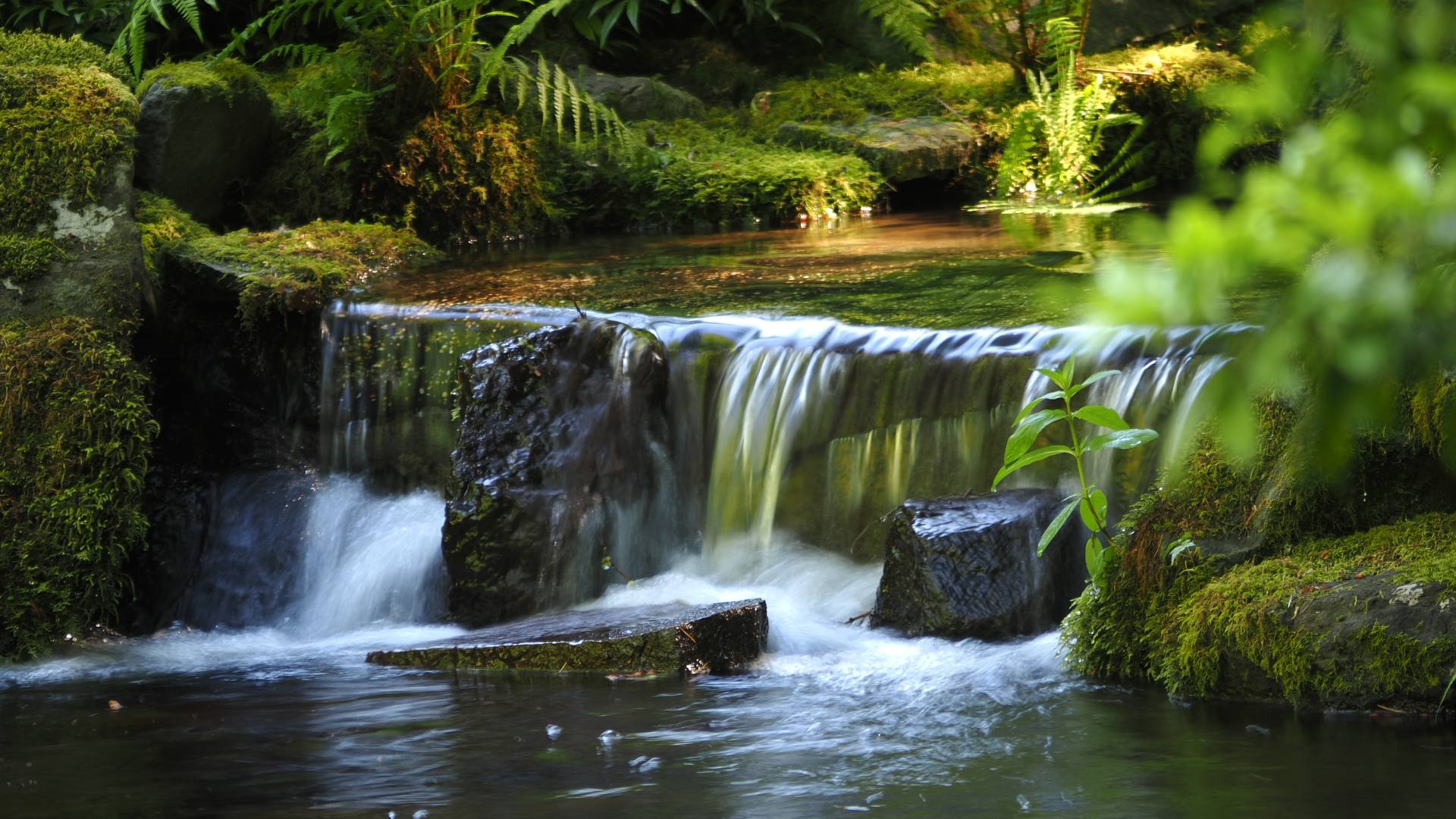
The latest rage (as of 10-19-2026) is AI driven 2d image to 3d model. Sites like Meshy, Trippo, and Trellis all let you upload a 2d image and get back a 3d model. The problem with these is the quality of the model. All it is is a collection of meshes that you can’t really edit or change in Blender. So I decided to see what the free levels of AI can do.
Continue reading “Comparison of free AI’s scripting for Blender”Celtic cross from my CAD program
Using Claude Code efficiently
I am working on a flight simulator game and claude code has been great. But I just exceeded my usage limits. Now I know I was not being very smart in how I use claude code. Basically it was one long conversation spanning days. So having a recursive set of mind, I asked AI what I should do.
Continue reading “Using Claude Code efficiently”Midnight & Marble: The Street‑Sculpted Sedan
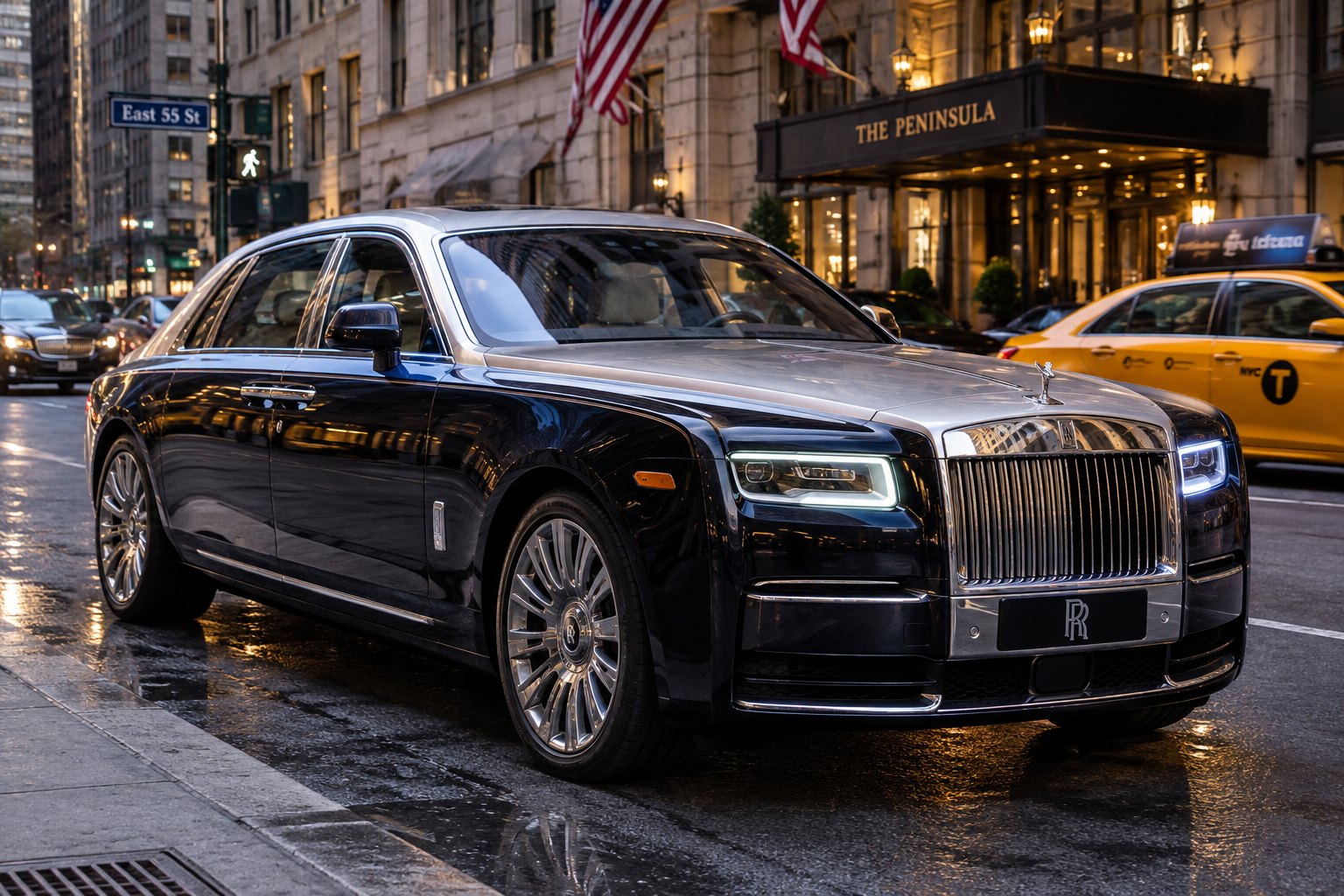
Midnight & Marble: The Street‑Sculpted Sedan
Glide through Manhattan’s grid like a blade through silk—torque‑rich V‑6 whispers from a twin‑tone chassis that devours corners and commands attention. The steering feels like an extension of your wrist, delivering feedback sharp enough to taste the pavement yet supple enough to coax confidence from every line.
It rewards the driver who respects balance: brakes that bite, a chassis tuned for poise, and an interior that whispers precision without drowning the senses. This isn’t an SUV in disguise; it’s a true driver’s machine, built for those who chase the perfect blend of power and elegance.
In the lineage of New York’s iconic roadsters, this sedan stakes its claim—refined aggression, unmistakable presence, and a driving experience that writes its own chapter in the legend of the open‑road elite.
— AI-generated with OpenAI’s DALL·E image-generation model via ChatGPT.
Aces of the Pacific
If you spent any time in front of a CRT monitor in the early ’90s, the roar of a radial engine through a PC speaker is a sound you never forget. Aces of the Pacific didn’t just give us a game; it handed us the flight stick and dropped us straight into the sun-blinded skies above Wake Island and Midway.
Continue reading “Aces of the Pacific”Building your own programs

Building applications from scratch used to mean hours spent setting up boilerplate code, configuring build tools, and hunting down missing dependencies. By pairing Gemini as a project architect with Claude Code as an autonomous developer, you can take an app idea from a simple conversation to a functional codebase in under an hour.
Continue reading “Building your own programs”A stunning rust sports car on a urban parking garage
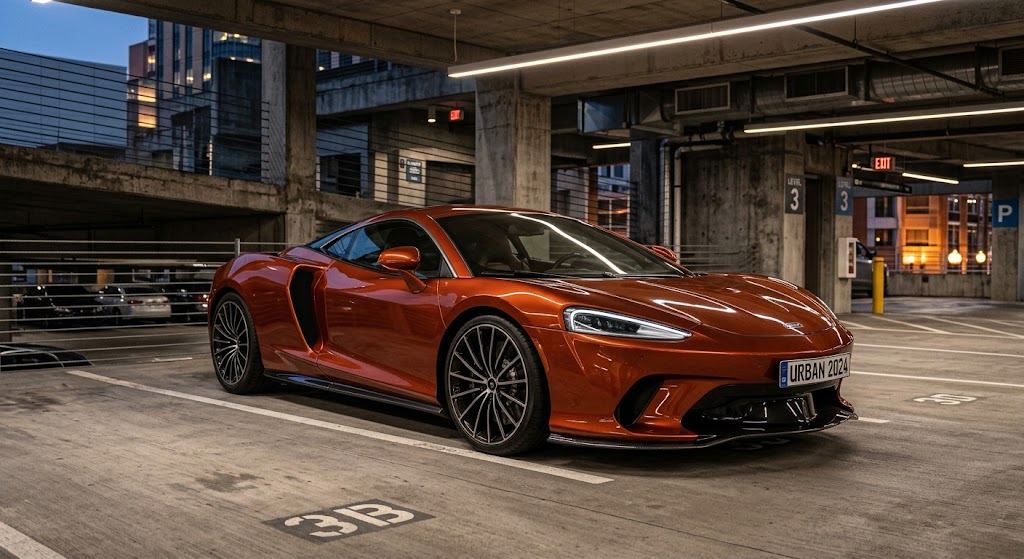
**RUST REBORN: PURE ADRENALINE ON ASPHALT**
A rust‑kissed silhouette that snarls through city canyons, the chassis is a raw, lightweight beast—its V8 throbs like a pulse, delivering instantaneous torque that makes every corner a dialogue between driver and machine. The stripped‑down cockpit rewards focus, letting you feel every shift, every bite of the road, while the retro‑styled aerodynamics hug the pavement with unyielding grip.
It’s not just a tribute; it’s a manifesto. This car demands respect and returns it with a visceral connection that only true driver’s cars can forge. In the lineage of legends, it stakes its claim—raw, unfiltered, unmistakably alive.
— AI-generated using Google Gemini
Blue Thunder on Asphalt
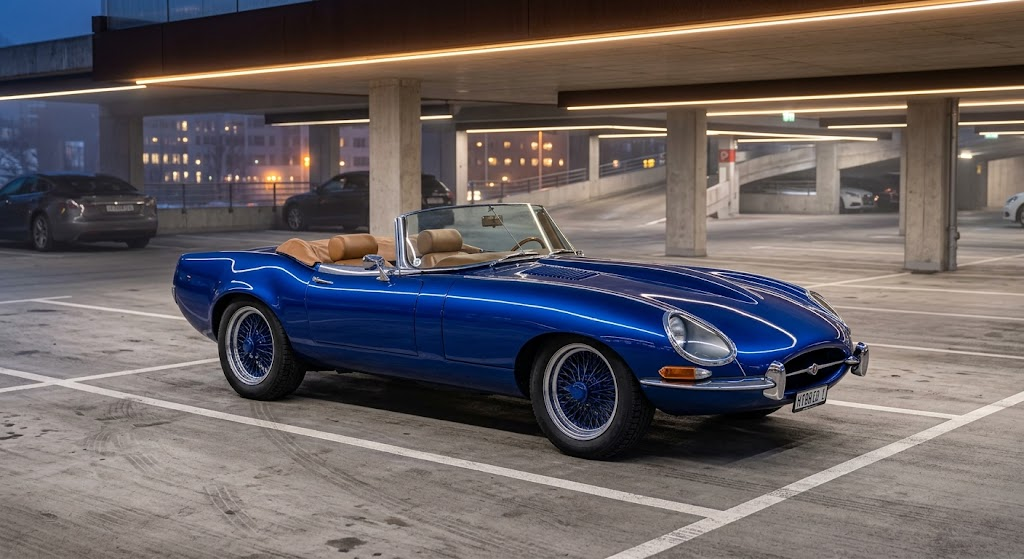
A single‑off masterpiece that fuses the classic e-type jag’s sleek, open‑air silhouette with the Mustang’s raw, muscular rear stance. On city streets it commands attention, yet it’s the whisper‑tight chassis and hand‑crafted suspension that turn every corner into a dialogue between driver and road.
Powered by a bespoke high‑rev V8, the roadster rewards precision—each throttle bite translates into a clean, linear surge, while the lightweight aluminum frame delivers razor‑sharp feedback. It demands respect, but it also grants the purest pleasure: the instant connection of a classic roadster with the brute force of a modern muscle.
In the lineage of driver‑focused legends, this yellow beast writes its own chapter. It’s not just a tribute; it’s a statement that true performance still lives in the open air, where every mile is earned and every smile is earned even harder.
— AI-generated using Imagen 3, Google’s image generation model
Wow! AI coding is here!
I am a photographer. As a photographer I shoot my images in RAW format. This gives me the greatest flexibility for post processing. But I hate the RAW photo editors, such as Darktable and RawTherapee. Don’t get me wrong, those are great tools, but I often just want to do some simple quick editing. Those tools have complicated user interfaces. So I wondered if I could use Claude Code to write a Raw Editor with a simple interface similar to the Samsung Galaxy photo editor that I use for editing phone images.
Continue reading “Wow! AI coding is here!”A stunning rust convertible on a mountain road
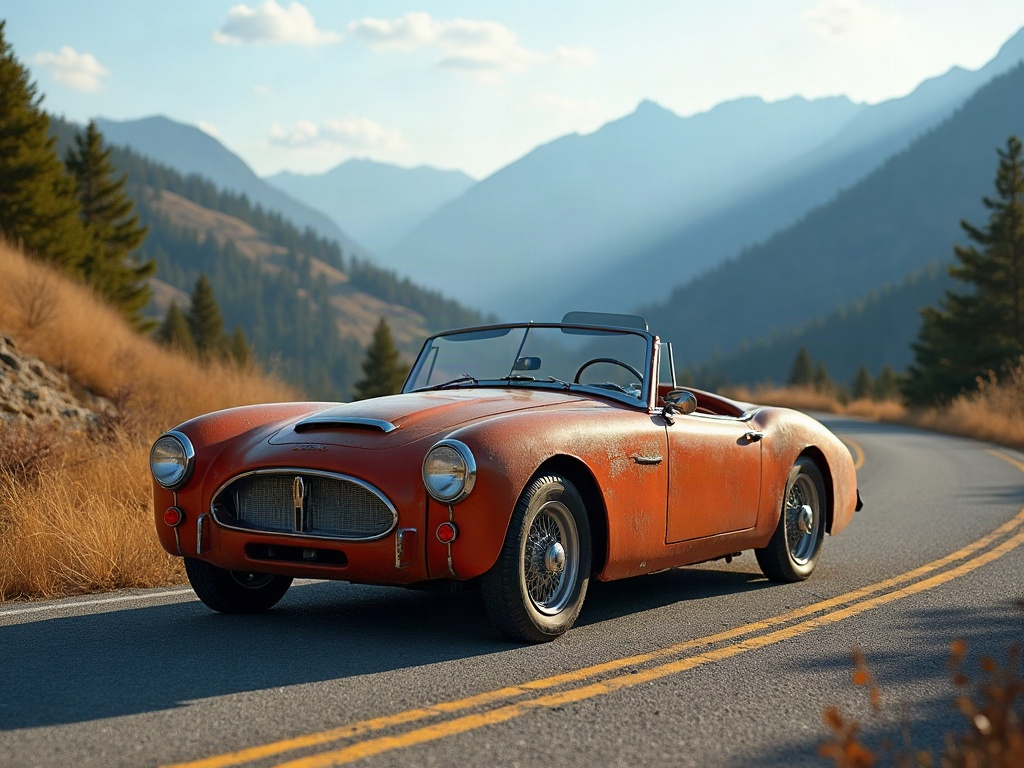
**Rust‑kissed, Road‑born: The Alpine Convert**
On the hairpin‑tight spine of the Alps, the Alpine Convert sheds its polished veneer and lets raw steel sing. The open‑air cockpit, brushed by altitude, delivers a feedback loop so pure you hear the engine’s breath in every turn. Light, balanced, and unapologetically responsive, it rewards a driver who dares to coax its edge rather than command it.
It isn’t just a car; it’s a rite of passage. The rust‑patina tells a story of miles earned, while the chassis whispers the language of classic roadsters—precision, poise, and a relentless hunger for the next apex. In the lineage of true driver’s machines, the Alpine Convert stakes its claim with grit, soul, and a smile that only the wind can see.
— AI-generated using openai/gpt-oss-120b via Groq