
This is another Android app the I created using Claude.ai and Cordova. I started by asking the AI for some ideas for apps. One that it suggested was a “Ghost Card” app where the spectators chosen card magically appears on an image that was just taken with your phones camera. Two hours later I had a working app. Most of that time was spent in making tweaks and enhancements to the app.
This was, by far, the easiest and quickest that I have create an app. The AI, while not perfect, did 97% of the work. Having build other apps using AI and Cordova made this time very easy.
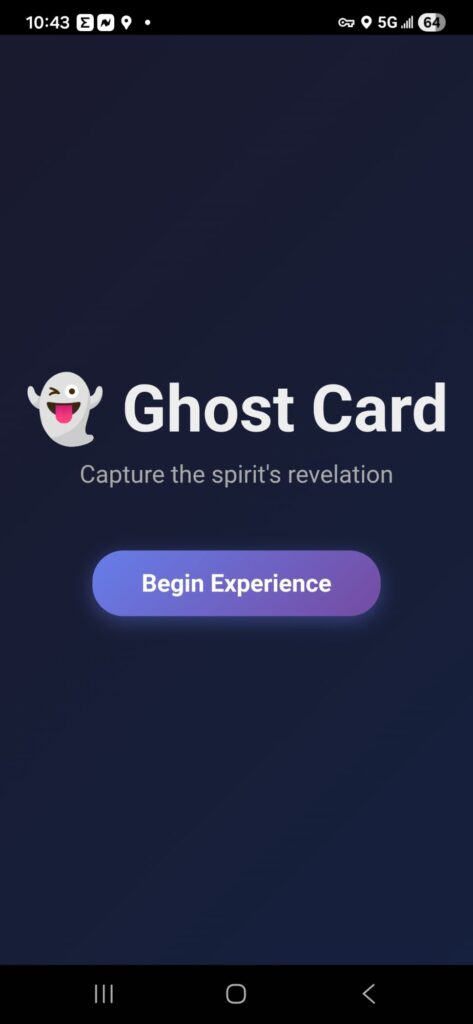
The app opens with a welcome screen:
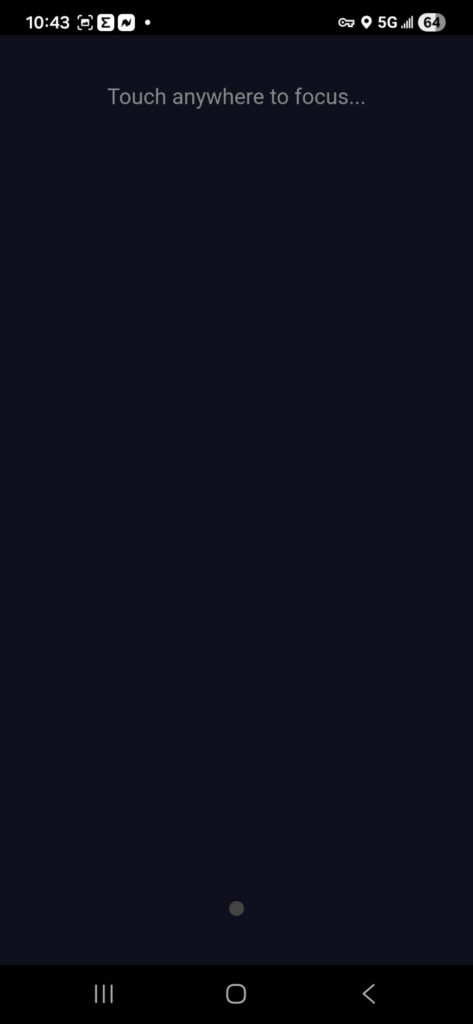
The next screen says “touch anywhere to focus”, but that is camouflage. By touching the screen you secretly encode the suit and value of the card that will be revealed. Touching any corner of the screen encodes the suit. Then touching the screen again codes the value. There is an invisible 3×3 grid in the middle of the screen that encodes the values Ace through 9. The four corners switch from suit to values 10, Jack, Queen and King. There is a small colored dot at the bottom of the screen that indicates when each touch is registered.
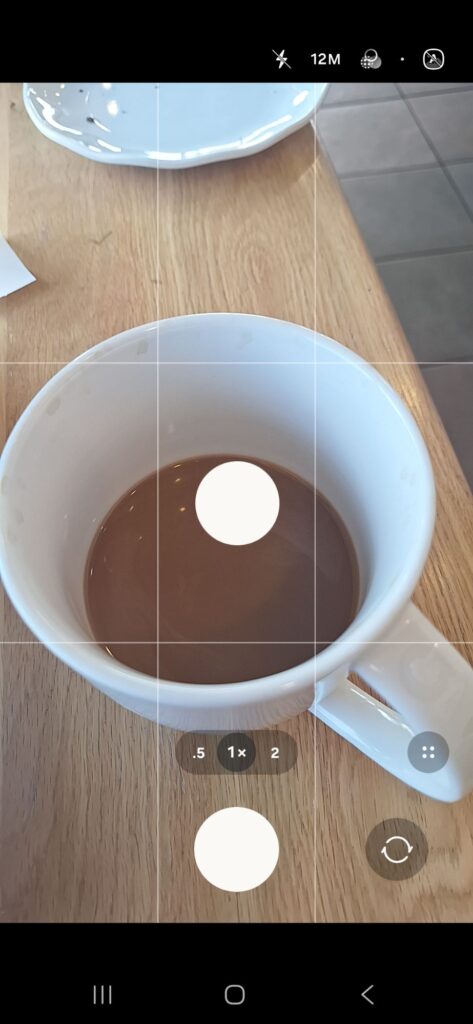
Then a button appears to “Capture Spirit Photo”, which opens the camera so you can take a picture.
You take a photo and click ok.
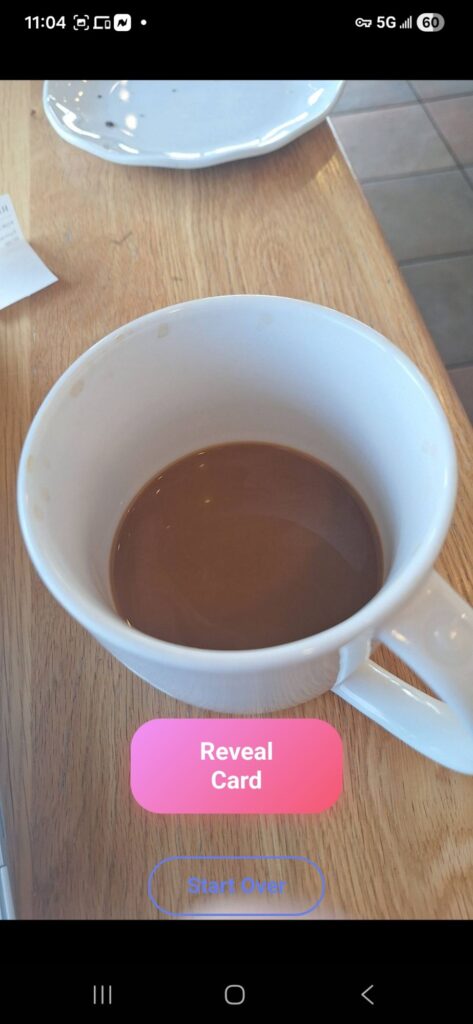
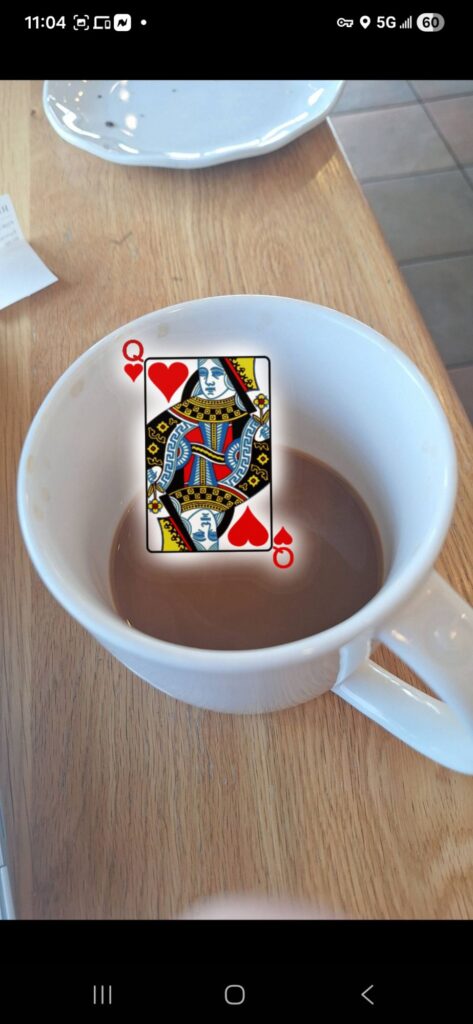
Then click the “Reveal Card” button and the buttons disappear and the card slowly fades in on the photo.
Conclusión
Two hours to get a custom app that does exactly what I want it to do. On top of that, it will be easy to tweak in the future after I have used it a bit. I can change the text, or anything I want to. I am thinking of not showing the “Reveal Card” button, but instead show the card by touching the screen. I am also thinking about adding a hidden “setup” page that would let me change from revealing cards to revealing other information. The point is, it is all under my control.
Let me know if you want to learn more on how to create your own apps.