






These are examples of AI merging different duck species, to create new ones.

Old magician who likes old cars, and old whisky
These are examples of AI merging different duck species, to create new ones.
Since I have been playing around with AI image generation using the free AI image generators that are available, I thought I would try one of the ones you pay for. Thanks to Google and Facebook, I have be inundated with ads for them. Artspace AI looked promising and offered a reasonably priced lifetime membership, so I went ahead and paided for it.
Continue reading “Review of Artspace AI image generator”
In early 2024, AI image generation has reached a fascinating paradox. At first glance, the technology seems almost magical – capable of creating stunning, photorealistic scenes that blend reality with imagination. Take, for instance, the task of generating a hybrid classic car design: when prompted to combine a ’67 Mustang with a ’57 MGA Roadster, AI can produce images with remarkable attention to automotive detail, set against perfectly rendered mountainous backgrounds with dramatic lighting. The chrome gleams, the curves flow, and the setting sun casts just the right shadows on the cliffs.
Continue reading “AI image generation, still a ways to go.”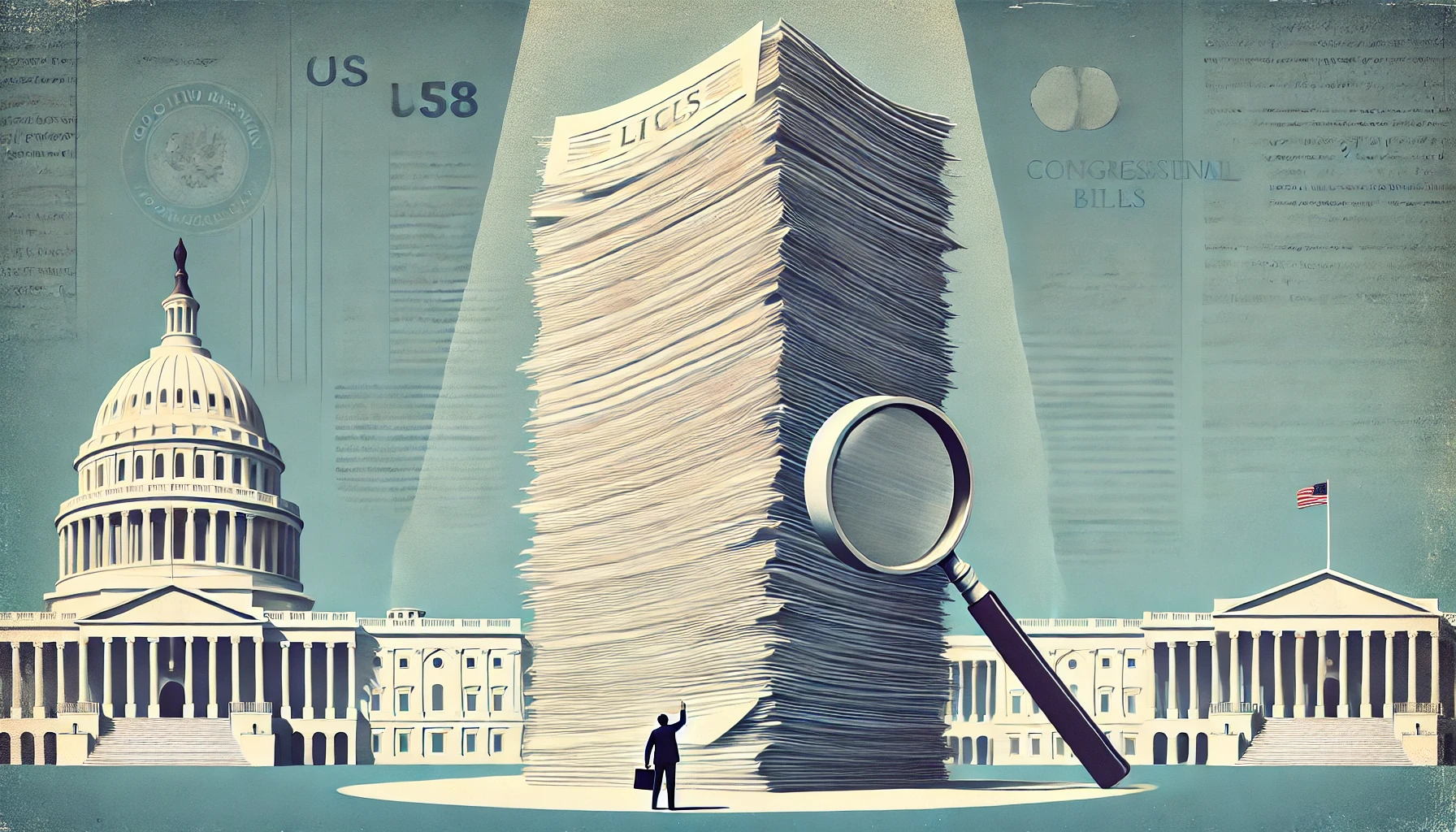
The American legislative process has undergone a troubling transformation over the past century. What began as a system producing focused, comprehensible laws has evolved into one that regularly generates massive, incomprehensible omnibus bills thousands of pages long. This shift threatens the very foundations of democratic governance by making it impossible for legislators, let alone the public, to understand what they’re voting on or what has become law.
Continue reading “The Case for Smaller Bills: Restoring Transparency in American Legislation”Every time there is a new President it seems we have the same arguments over what authorities the President has. Often these debates become hysterical shouting matches and usually they demonstrate both a lack of knowledge about our system of government and history.
Continue reading “Executive Power, Legal Precedent, and Political Hypocrisy”WordPress continues to evolve as a content management platform, and today had AI write two plugins that can significantly improve your content creation workflow: Post Search Replace and AI Content Assistant.
Continue reading “Two WordPress plugins that I had A.I. write for me.”
It is an interesting time we live in. While people have always tried to shape narratives it has become more important to be able to spot that activity. I listened to the congressional testimonies of Matt Taibbi and Michael Shellenberger, and realize just how bad things have gotten. And then the recent news about USAID and how it has been used to influence jorunalism.
Continue reading “Games they play – how governments and media shape narratives.”I recently saw a video clip of Elon Musk describing how hard it was to get a list of government agencies. Here is the clip: https://www.youtube.com/shorts/GXJvxPMY_H0
In the clip he says the Google and different AI’s say the number is around 400. Well I went to the government site https://www.opm.gov/about-us/open-government/Data/Apps/Agencies/index.aspx which lets you see the agencies. But of course the site makes it difficult to see them all. You have to use drop-down lists to filter. So for fun I used an AI to write a JavaScript program to scrape and list just the entries in the first category of “Cabinet Level Agencies”. The final result was a table with 63120 rows.
Continue reading “OMG, the size of the Federal Government. Elon Musk has no idea.”I wrote a bookmarklet that finds a two word solution to the New York Times game “Letterbox”. It worked, but for fun I decided to let an AI rewrite it to be faster. Here is the code it came up with, but it did take several tries before it could open a new tab. It runs significantly faster than what I wrote.
Scams are everywhere, and they’re getting more sophisticated. But don’t worry—you’re not alone! This guide will help you recognize scams, protect yourself, and take action if you ever become a target.
Continue reading “A Guide to Spotting & Avoiding Scams”