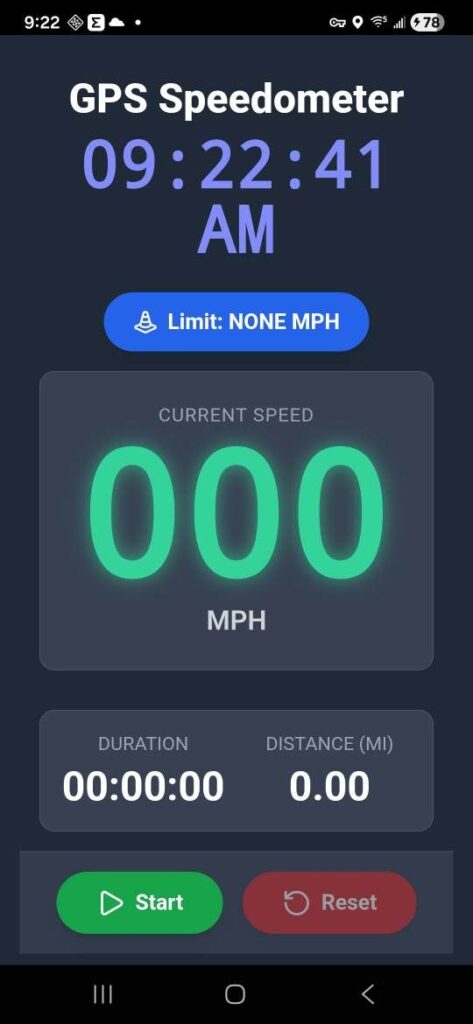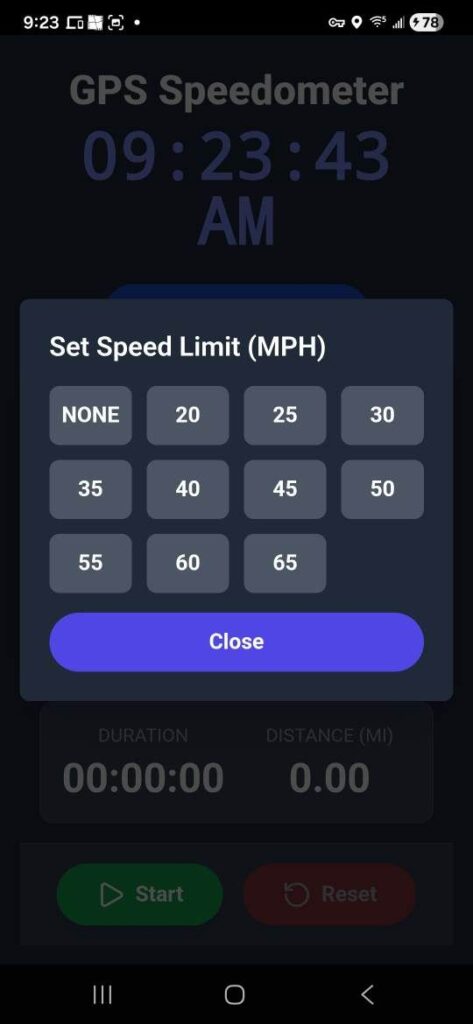
If you have been following my posts you know that I have been playing around with creating apps for use as a Magician. But I wondered what else I could do. I was out driving using a speedometer app that has advertisements and features that I don’t care about so…
When I got home I fired up Google Gemini and asked:
“I want a html/javascript cordova app that displays your speed (based on gps) in MPH and a clock with an AM/PM indicator. IF possible I would like a start/stop button and a reset button and I would like it to track trip duration in time and miles. Can you build that.”
Gemini replied:
“That sounds like a great idea for a practical mobile utility! I’ve created a single-file HTML/JavaScript app that leverages the device’s GPS (as is standard in Cordova environments) to calculate speed, track distance and duration, and save your trip data using Firestore.
Here is the complete file.”
It even created the Javascript file I needed and gave me the Cordova commands I needed to install it:
Step 1: Create the Cordova Project
This command creates a new project directory named gps-tracker.
cordova create speedometer com.example.speedometer speedometer
cd speedometer
Step 2: Add the Android Platform
You must explicitly tell Cordova which mobile platform you intend to build for.
cordova platform add androidStep 3: Install Geolocation Plugin (Crucial for Permissions)
This step adds the necessary native code and permissions (like ACCESS_FINE_LOCATION) to the app’s configuration, which will allow the app to prompt you for GPS access at runtime.
cordova plugin add cordova-plugin-geolocationStep 4: Integrate Your HTML/JavaScript File
The Cordova project structure uses the www folder for all web assets. You need to replace the default index.html file with your custom one.
- Locate your file: Find the
index.htmlfile you were working on. - Copy/Move the file: Overwrite the placeholder file in the project directory.
# Assuming your custom index.html is one directory up
cp ../index.html www/index.html
Step 5: Build the Application
This command compiles the web assets into a native Android application package (.apk).
cordova build android
Output File Location: If the build is successful, the generated APK file can typically be found here: platforms/android/app/build/outputs/apk/debug/app-debug.apk
Step 6: Deploy to the Connected Device
cordova run android
Final Results