
I have to admit I was impressed with how easy it was to complete this. I wish everything I bought was this well thought out and well packaged. In a nutshell, I decided I wanted a new, larger laptop that ran Linux. Framework laptops are completely, which is something I really like. Virtually everything in the laptop is user replaceable. So I decided to go with that and bought a Framework 16 laptop.
Purchased configuration
Configuration
- System: Ryzen™ 7 7840HS
- Memory: DDR5-5600 – 32GB (2 x 16GB)
- Storage: WD_BLACK™ SN850X NVMe™- M.2 2280 – 1TB
- Storage: WD_BLACK™ SN770M NVMe™ – M.2 2230 – 1TB
- Operating System: Windows 11 Home (Download) (In case I need to dual boot, although to begin with I will use this in a VM)
Expansion Bay System
- Expansion Bay Module: Graphics Module (AMD Radeon™ RX 7700S)
Customization
- Power Adapter: 180W Power Adapter (Included)
- Keyboard: US English
- Numpad: Numpad Module
- Laptop Bezel: Framework Laptop 16 Bezel – Black
- Power Adapter Region: US / CA
Expansion Cards
- USB-C (Orange)
- USB-A (2 x)
- HDMI (3rd Gen)
- SD
Accessories
- Framework Screwdriver (this is the only tool you need to assemble the machine.)
Unboxing
I ordered the system on July 8th and it arrived on July 15th, via Fed Ex.
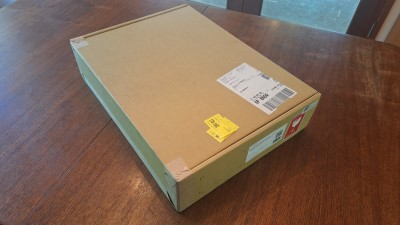
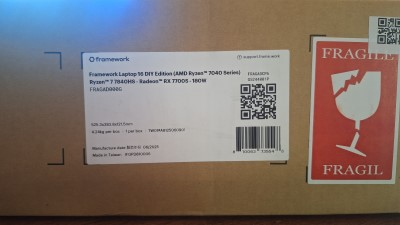
The box was very well sealed and solid.
Opening the box was easy, and everything inside was very well packed. On top was an envelope that contained some stickers and a list of the parts.
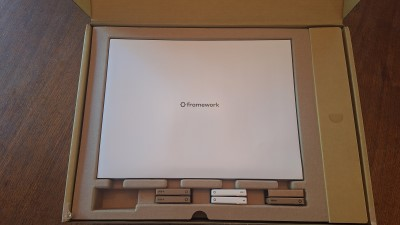
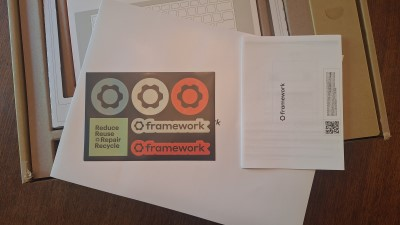
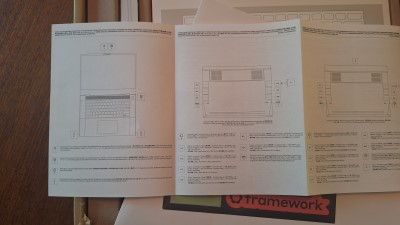
Under that was the keyboard module, the expansion modules, and screen bezel. On the right was a cardboard box with the power adapter and cords.
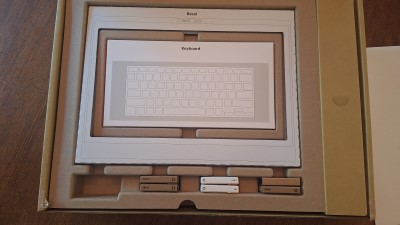
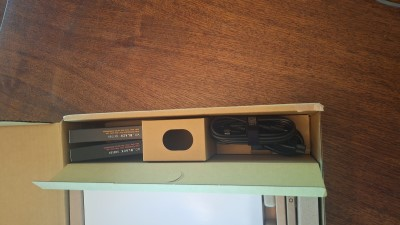
Removing those got me down to the actual laptop and then to the disk drives and memory modules.
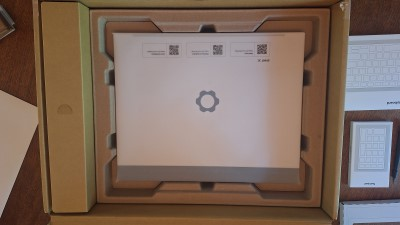
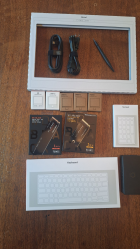
I was very impressed with how well everything was packaged.
All of the installation instructions are on-line and can be reviewed before purchasing. They are extremely well done. Each step has a concise, short video that clearly shows what needs to be done, along with short, to the point, written instructions.
It probably took me less that 45 minutes to put the whole thing together. After getting everything together I installed Zorin Linux on the first 1 TB drive. The second drive is currently not being used, I am holding it for Windows it I decide to dual boot. If I decide to use Windows via a Virtual Machine I can later partition the drive as a data drive.