






Estos son ejemplos de IA que fusiona diferentes especies de patos para crear otras nuevas.
Old magician who likes old cars, and old whisky
Estos son ejemplos de IA que fusiona diferentes especies de patos para crear otras nuevas.
Como he estado experimentando con la generación de imágenes con IA usando los generadores gratuitos disponibles, pensé en probar uno de pago. Gracias a Google y Facebook, me han inundado los anuncios. Artspace AI parecía prometedor y ofrecía una membresía vitalicia a un precio razonable, así que decidí pagar.
Continúa leyendo "Review of Artspace AI image generator"
A principios de 2024, la generación de imágenes con IA ha alcanzado una fascinante paradoja. A primera vista, la tecnología parece casi mágica, capaz de crear impresionantes escenas fotorrealistas que fusionan realidad e imaginación. Tomemos, por ejemplo, la tarea de generar el diseño de un coche clásico híbrido: al combinar un Mustang del 67 con un MGA Roadster del 57, la IA puede producir imágenes con una atención excepcional al detalle, sobre fondos montañosos perfectamente renderizados con una iluminación espectacular. El cromo brilla, las curvas fluyen y el sol poniente proyecta las sombras perfectas sobre los acantilados.
Continúa leyendo "AI image generation, still a ways to go."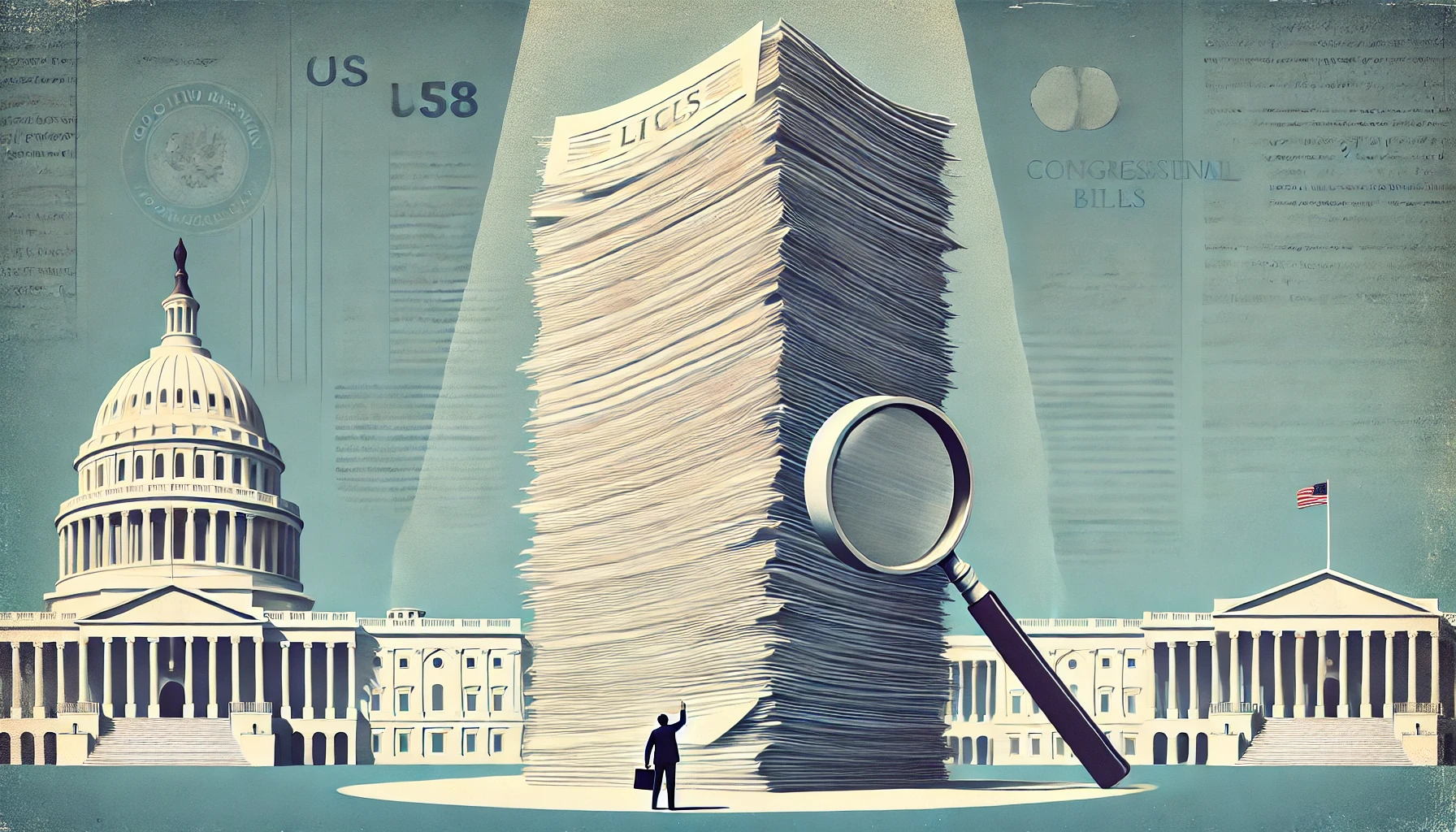
El proceso legislativo estadounidense ha experimentado una preocupante transformación durante el último siglo. Lo que comenzó como un sistema que producía leyes específicas y comprensibles se ha convertido en uno que genera regularmente proyectos de ley ómnibus masivos e incomprensibles de miles de páginas. Este cambio amenaza los cimientos mismos de la gobernanza democrática al impedir que los legisladores, y mucho menos el público, comprendan lo que votan o lo que se ha convertido en ley.
Continúa leyendo "The Case for Smaller Bills: Restoring Transparency in American Legislation"Cada vez que hay un nuevo presidente, parece que tenemos las mismas discusiones sobre sus facultades. A menudo, estos debates se convierten en peleas histéricas y suelen demostrar un desconocimiento de nuestro sistema de gobierno y de nuestra historia.
Continúa leyendo "Executive Power, Legal Precedent, and Political Hypocrisy"WordPress continúa evolucionando como plataforma de gestión de contenido, y hoy AI escribió dos complementos que pueden mejorar significativamente su flujo de trabajo de creación de contenido: Post Search Replace y AI Content Assistant.
Continúa leyendo "Two WordPress plugins that I had A.I. write for me."
Vivimos en una época interesante. Si bien la gente siempre ha intentado moldear las narrativas, se ha vuelto más importante poder detectar esa actividad. Escuché los testimonios de Matt Taibbi y Michael Shellenberger ante el Congreso y me di cuenta de lo mal que se han puesto las cosas. Y luego están las noticias recientes sobre USAID y cómo se ha utilizado para influir en el periodismo.
Continúa leyendo "Games they play – how governments and media shape narratives."Hace poco vi un video de Elon Musk describiendo lo difícil que fue obtener una lista de agencias gubernamentales. Aquí está el video: https://www.youtube.com/pantalones cortos/GXJvxPMY_H0
En el clip dice que Google y diferentes IA dicen que el número ronda los 400. Bueno, fui al sitio del gobierno. https://www.opm.gov/about-us/open-government/Data/Apps/Agencies/index.aspx que permite ver las agencias. Pero, claro, el sitio dificulta verlas todas. Hay que usar listas desplegables para filtrar. Así que, por diversión, usé una IA para escribir un programa JavaScript que extrajera y listara solo las entradas de la primera categoría, «Agencias a Nivel de Gabinete». El resultado final fue una tabla con 63120 filas.
Continúa leyendo "OMG, the size of the Federal Government. Elon Musk has no idea."Escribí un bookmarklet que encuentra una solución de dos palabras para el juego "Letterbox" del New York Times. Funcionó, pero por diversión decidí que una IA lo reescribiera para que fuera más rápido. Aquí está el código que creó, pero tardó varios intentos antes de que pudiera abrir una nueva pestaña. Funciona mucho más rápido que lo que escribí.
Las estafas están por todas partes y cada vez son más sofisticadas. Pero no te preocupes, ¡no estás solo! Esta guía te ayudará. Reconocer las estafas, protegerse y tomar medidas Si alguna vez te conviertes en un objetivo.
Continúa leyendo "A Guide to Spotting & Avoiding Scams"